
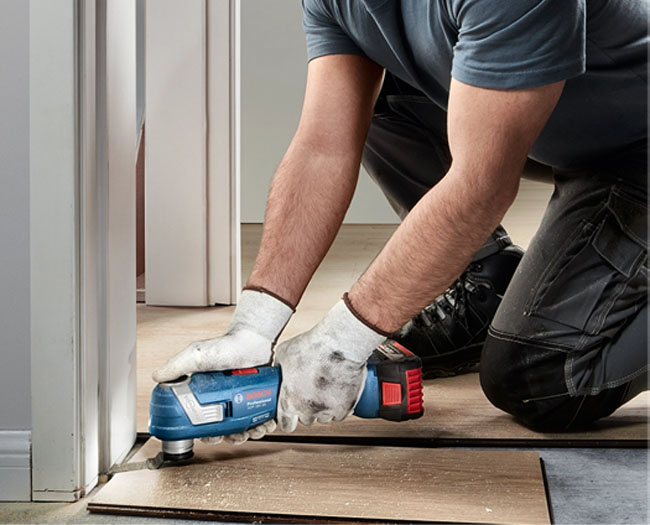
Need to trim a door frame without removing it? Cut an opening in plasterboard? Scrape old adhesive out of a corner? These are the jobs that make an oscillating multitool useful.
Changing the blade or attachment lets the same tool cut, scrape, sand and remove grout. The tricky part is choosing a machine that suits your work, then making sure you have the right accessories to go with it. This guide covers both.
What Is an Oscillating Multitool?
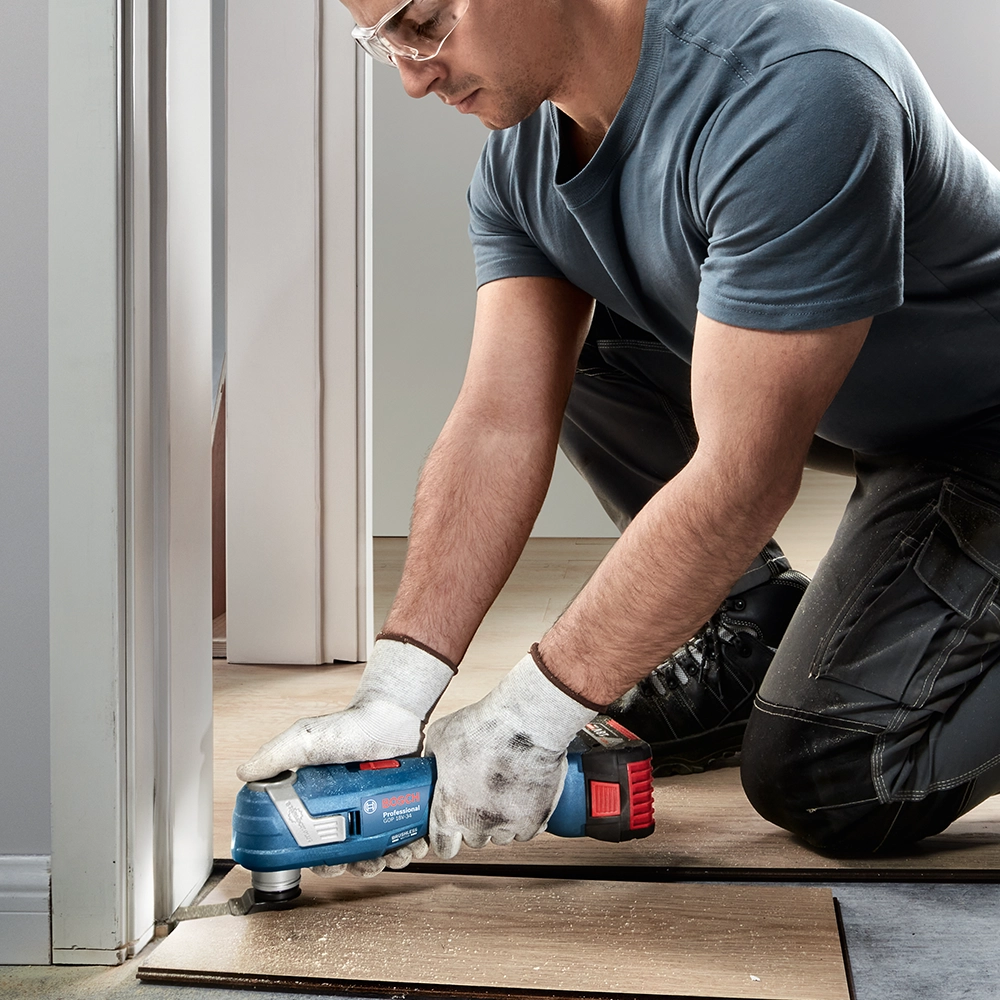
An oscillating multitool moves its attachment rapidly from side to side through a small angle. The attachment does the work: fit a saw blade to cut timber, a scraper to remove adhesive or a sanding pad to smooth an awkward corner.
The compact head is its main advantage. It can make controlled cuts close to walls, inside cupboards and around fitted materials where a larger saw is difficult to use. It is particularly handy for renovation, fitting and repair work.
An oscillating multitool is different from a rotary tool. A rotary tool spins a small accessory and is generally used for detailed grinding, engraving and polishing.
What Can You Use a Multitool For?
Cutting and trimming
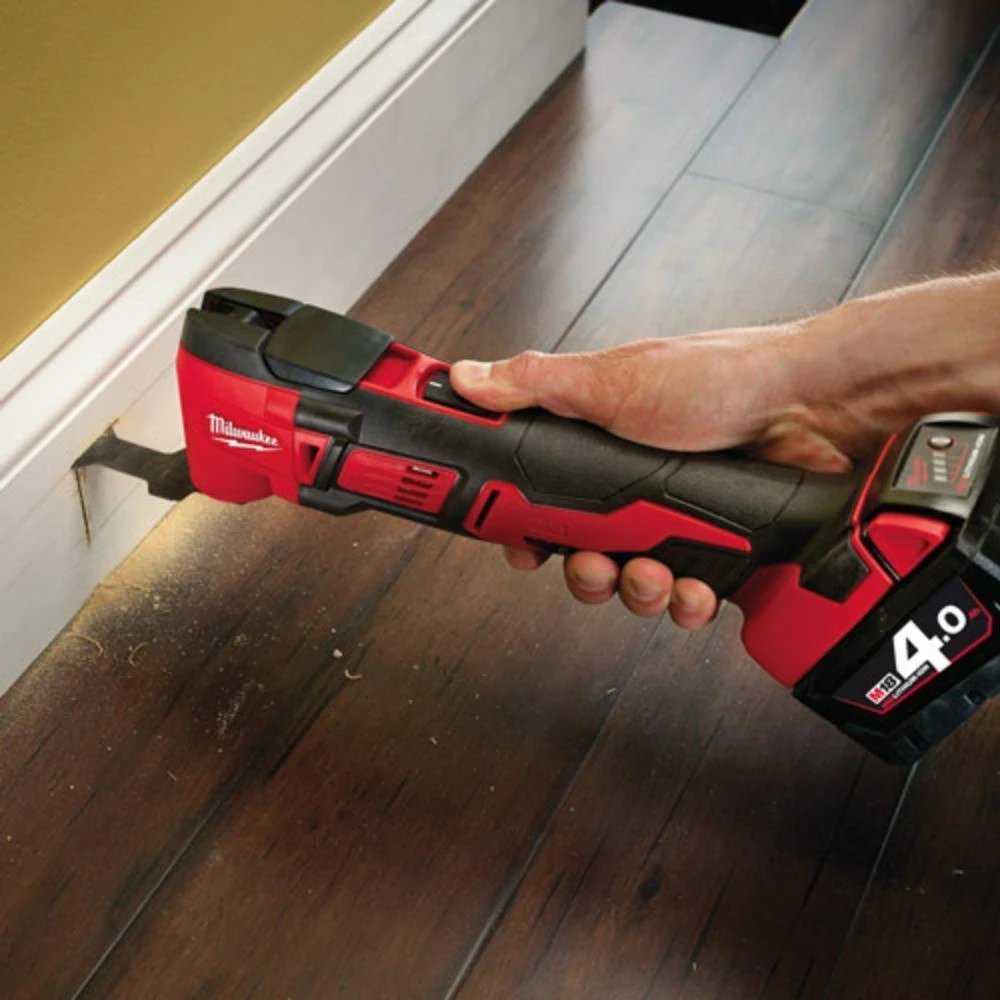
A straight plunge blade can start a cut within a piece of plasterboard or timber. That makes it useful for small openings, access panels and notches. A suitable blade can also undercut a door lining so new flooring slides underneath, or trim a fitted piece of skirting close to a surface.
For metal, plastic pipe or timber containing nails, check that the blade is rated for the material. A wood blade will wear quickly if it meets a screw or fixing.
Scraping and sanding
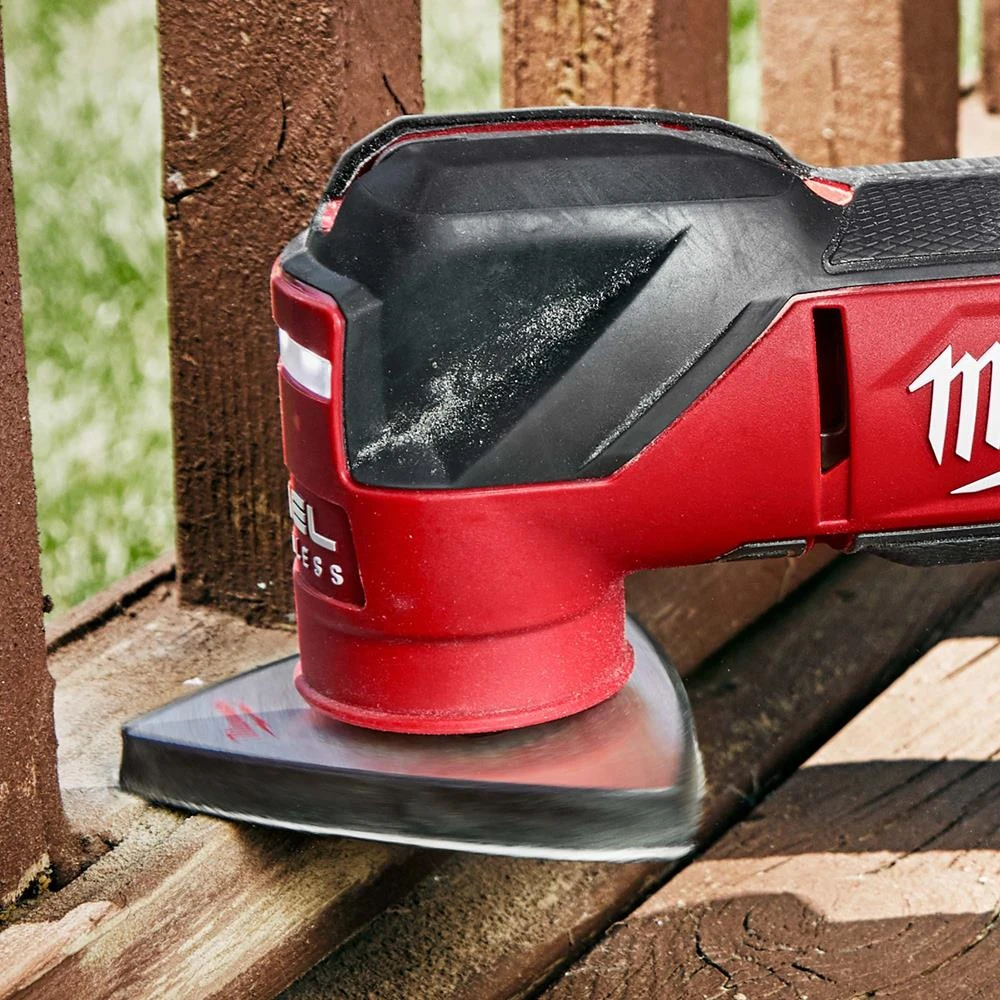
A scraper attachment can help remove old adhesive, sealant and other residue. Switch to a sanding pad for filler, paint edges, mouldings and internal corners. These are small-area jobs where a larger sander may be awkward to handle.
Grout removal
A grout removal accessory can reach the joints between tiles. Take care around the tile edges, and check that the accessory is intended for the material you are working on.
Before cutting into a wall, floor or fitted unit, check for hidden cables and pipework.
Corded vs Cordless Multitools
| Corded | Cordless | |
|---|---|---|
| Best for | Longer sessions near a power supply | Moving between rooms and quick jobs on site |
| Main advantage | No battery changes or charging | No lead to manage in tight spaces |
| Main consideration | You need access to power | Runtime and balance depend on the battery |
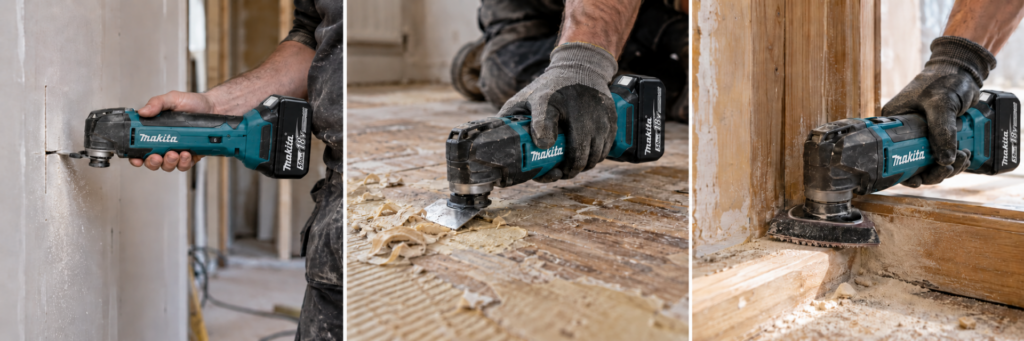
A cordless multitool is convenient for snagging, fitting and repair work across different rooms. It is also worth considering if you already own compatible batteries and a charger.
A corded model makes sense if most of your work happens at a bench or near mains power, especially when you will be using the tool for extended periods. Neither type is automatically the more capable cutter: performance depends on the individual tool and the blade fitted.
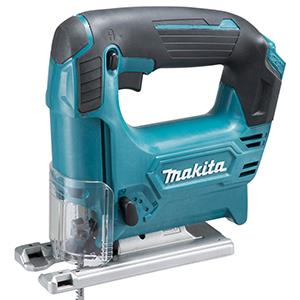
You can compare both types in the ITS multitool range.
Shop All MultitoolsWhat Features Should You Look For?
Blade change system
Think about how often you will swap attachments. Some tools need a hex key to release the blade, while others use a lever or a system that lets the blade click into place.
If you regularly move between cutting, scraping and sanding, a quick blade change can save time. Check how securely the accessory locks in place and whether it can be changed easily while wearing gloves. Let a used blade cool before handling it, and disconnect the power or remove the battery before changing accessories.
Variable speed
Variable speed lets you adjust how quickly the attachment oscillates. It gives you more control when starting a cut or working on a delicate surface, while a faster setting can help with other cutting tasks. Follow the accessory manufacturer’s guidance for the material rather than assuming the highest setting is always best.
You may see speed listed as oscillations per minute, or OPM. A higher maximum OPM does not, by itself, tell you how well a tool will cut. Blade choice and the tool’s ability to keep working under load matter too.
Oscillation angle
The oscillation angle describes how far the attachment moves from side to side. A wider movement can make a tool more aggressive in a cut; a smaller movement may suit finer control.
Take care when comparing specifications. One manufacturer may give a total angle, while another states the movement to each side. Check how the figure is measured before using it to compare two models.
Vibration, grip and weight
A multitool can spend a lot of time in your hand during a refurbishment or a long grout removal job. Look at the grip shape, balance and vibration information, particularly if you expect to use it regularly.
For cordless models, consider the weight with the battery fitted. A larger battery may give you more runtime, but it can also change how the tool feels in a tight space or overhead.
Brushed or brushless motor
A brushless motor is generally more efficient and has no carbon brushes to replace. It is worth considering for regular cordless use. A brushed model can still be a sensible choice for occasional jobs, particularly if the tool has the fittings and controls you need.
Body only or kit
If you already have batteries and a charger from a compatible range, a body only tool may be all you need. If this is your first tool on that battery platform, check the cost of the complete kit.
Also look closely at the included accessories. A case full of blades is only useful if they suit the jobs you actually do.
Which Multitool Blade Do You Need?
Start with the material, then choose the blade shape for the cut. Keeping a small selection of suitable accessories is more useful than trying to make one blade do everything.
| Job | Accessory to look for |
|---|---|
| Making a small opening in plasterboard or timber | Plunge cutting blade |
| Trimming timber close to a finished surface | Flush cutting blade |
| Cutting along an edge or into a corner | Segment blade, where suitable |
| Cutting timber that may contain nails | Blade rated for wood and metal |
| Cutting metal pipe or fixings | Metal cutting blade rated for the material |
| Removing adhesive or old sealant | Scraper attachment |
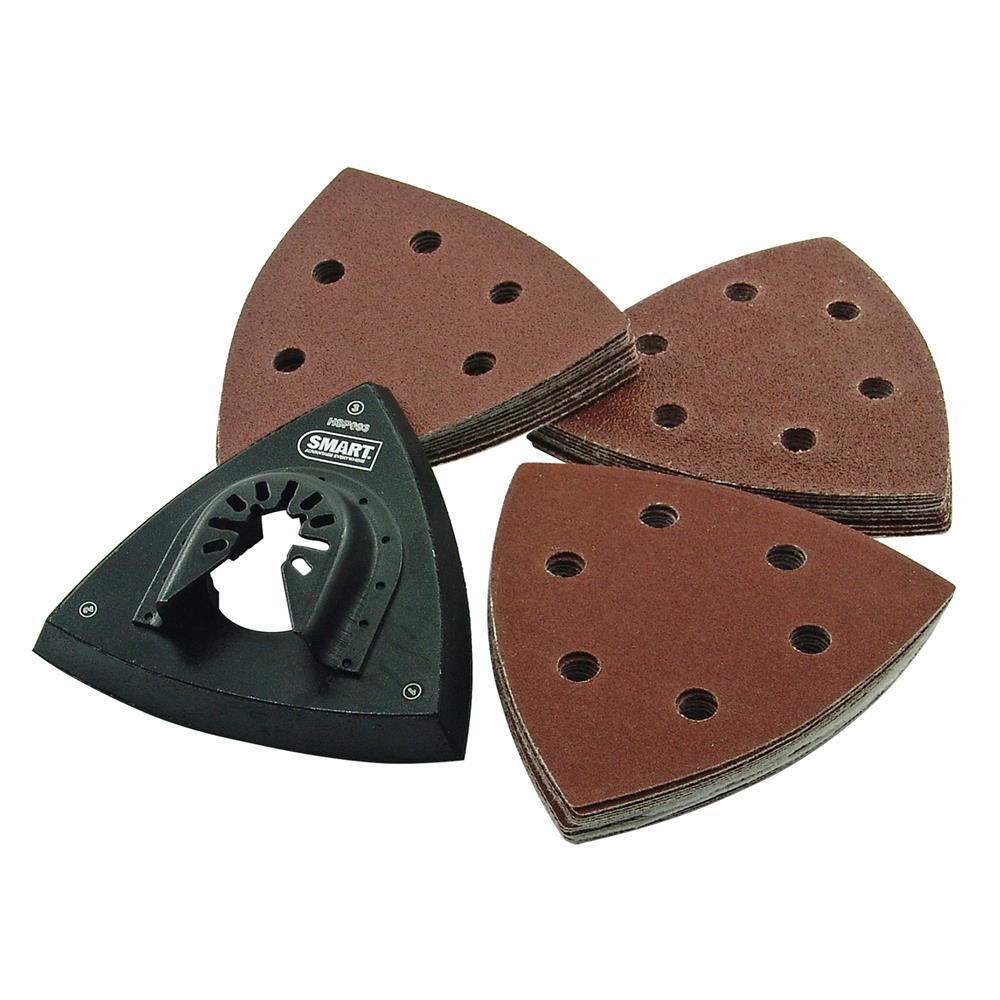
| Sanding corners and small repairs | Sanding pad and sheets |
| Removing grout | Suitable carbide or diamond grit accessory |
Blade width matters too. A narrow blade helps with small, precise cuts, while a wider one can be easier to guide across a broader cut. Check the material rating and maximum cutting depth before starting.
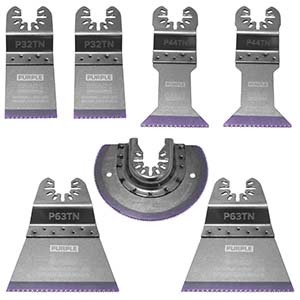
Browse multitool blades and accessories to see the different shapes and fittings.
Shop All Multitool BladesDo All Multitool Blades Fit Every Tool?
No. Check the blade fitting before buying an accessory or a new multitool. A blade described as “universal fit” will not necessarily fit every machine.
Starlock accessories come in three classes: Starlock, StarlockPlus and StarlockMax. A tool that accepts Starlock blades will not automatically accept StarlockPlus or StarlockMax blades. Check which classes your exact model supports, as well as the fitting specified for the accessory.
Some other tool and blade combinations may work with an adaptor, but check compatibility rather than assuming one is included. Getting the fitting right now also determines which replacement blades and attachments you can use later.
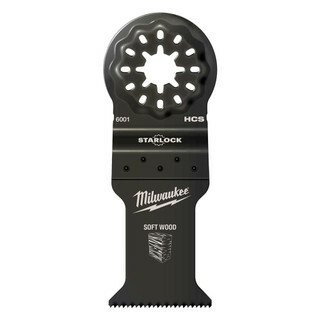
If your tool uses Starlock, browse Starlock multitool blades and check each blade’s fitting class against your model.
Shop All STARLOCK Multitool BladesShop Related Categories
Which Multitool Should You Buy?
For occasional repairs, prioritise easy handling, variable speed and access to affordable compatible blades. A straightforward tool that accepts the accessories you need will be more useful than one chosen solely for its headline specifications.
For regular fitting and renovation work, pay closer attention to vibration, grip and blade changes. If you move between rooms or jobs, cordless is convenient. If you already use a battery platform, check its multitool range before buying into another.
For long sessions in a workshop or near a reliable power supply, a corded tool avoids interruptions to change batteries. Whichever type you choose, allow part of the budget for blades. A suitable, sharp blade can make a bigger difference to the job than a small change in the tool’s stated speed.
Shop Multi Tools by Brand
When Is a Multitool the Wrong Tool?
A multitool is at its best on small cuts, flush trimming and awkward access. It is less suited to long straight cuts through timber or sanding a large surface. For those jobs, a dedicated saw or sander will usually be quicker and easier to keep consistent.
It is also worth checking the material before you cut. The tool’s versatility comes from its attachments, and an accessory rated for one material should not be assumed to work on another.
Frequently Asked Questions
Can a multitool cut metal?
Yes, with a blade rated for the type and thickness of metal involved. Check the blade specification before cutting pipe, sheet metal, nails or screws, as these are different tasks.
Can you sand with a multitool?
Yes. Fit a compatible sanding pad and sheet. It is useful for corners, edges and small repair areas, while a dedicated sander is better for larger surfaces.
Is a cordless multitool worth it?
If you work in several locations or often make quick cuts in awkward spaces, the freedom from a lead is useful. If you already own compatible batteries, it may also be a cost-effective addition to your kit. For lengthy work near mains power, compare it with a corded model.
Are multitool blades universal?
No. Check the accessory fitting against your exact machine before buying. “Universal” on a blade listing does not guarantee that it fits every multitool.
Final Thoughts
Choose a multitool around the work you do most. Decide whether corded or cordless suits where you work, check the blade fitting, then pick accessories for the materials you expect to cut, scrape or sand. Get those decisions right and the tool will be ready for far more than one awkward job.